Buy for Me and Auto Buy: What Happens When AI Buys for the Shopper on Amazon
By the Finnex Agency team
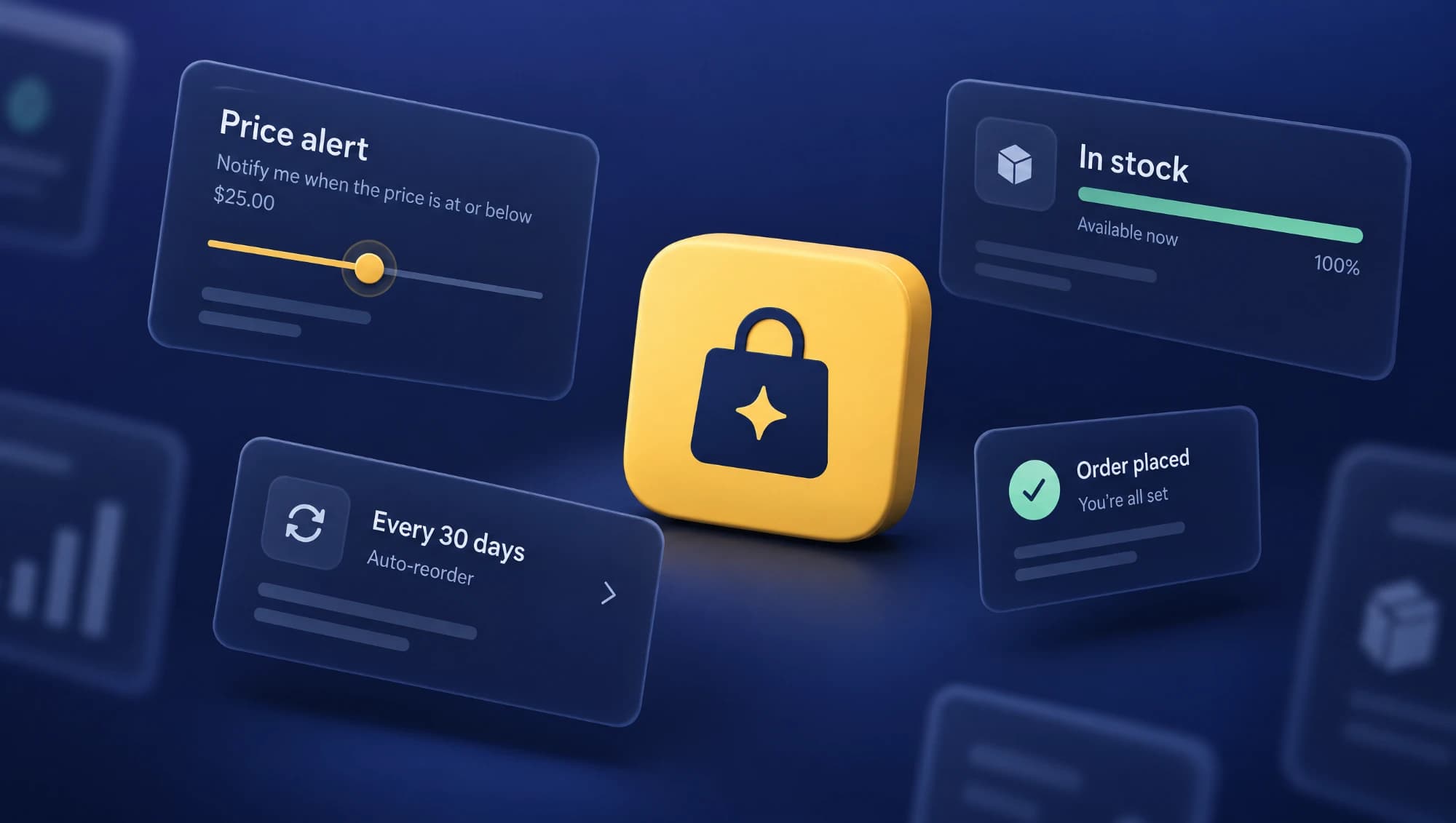
Short answer. On Amazon US, AI already completes purchases for shoppers in three ways. Auto Buy orders a product when it hits the price the shopper set, but only if it is Fulfilled by Amazon and the shopper is a Prime member. Buy for Me buys products Amazon does not sell, on the brand's own website. And scheduled actions look for products and put them in the cart to restock what runs out. In the first two, the shopper picks the product and the AI decides the timing or completes the checkout. That is why what keeps you in is less your listing copy and more its condition: fulfillment, stock, price and accurate catalog data.
For years, the question for Amazon sellers was how to get shoppers to find their product and click "Buy." AI assistants add a new question: what happens when the shopper is not the one clicking. Amazon already has features that buy on their own, and several of them leave products out for reasons that have nothing to do with listing quality.
In this article we lay out what each feature does, using the rules Amazon has published, and which parts of your account to review so you don't miss a sale the shopper had already decided on.
1. What matters, before we start
When people talk about "AI that buys for the shopper," they mix up features that behave very differently. Four definitions to keep the rest clear:
- Alexa for Shopping: Amazon's shopping assistant, called Rufus until May 2026. Most of the features in this article are set up from there.
- Auto Buy: the shopper picks a product and a target price. When the price drops to that level, Amazon places the order automatically.
- Buy for Me: for products Amazon does not sell, Amazon completes the purchase on the brand's website using the shopper's payment and shipping details.
- Scheduled Actions: recurring shopping tasks. The assistant looks for products and either notifies the shopper or adds them to the cart, once or on a set schedule.
The number to keep in mind: according to Amazon, more than 400 million customers used Alexa for Shopping in the last 12 months, and the number of customers using its agentic features, the ones that act instead of just answering, grew more than eightfold since the start of 2026. This is not a niche experiment.
2. Three ways AI already buys
The key difference between these features is not technical. It is who picks the product and where the sale closes, because that defines what you can do as a seller.
| Feature | Who picks the product | Where the purchase happens | Does it buy on its own? | Published requirements |
|---|---|---|---|---|
| Auto Buy | The shopper | Amazon | Yes, when the price hits the target | Prime shopper, Fulfilled by Amazon product, one unit, no coupons |
| Buy for Me | The shopper, among products Amazon doesn't sell | The brand's website | No, the shopper confirms and Amazon completes checkout | Eligible product within Shop Direct |
| Scheduled Actions | The assistant, based on what the shopper asks | Amazon | No, it notifies or adds to cart | Not published |
| Subscribe & Save | The shopper | Amazon | Yes, at the chosen frequency | Product with an active subscription |
All of them are available only to US customers. If you sell in the UK or Spain, they don't affect you today, but the data they rely on is the same data worth keeping in order on any marketplace.
3. Auto Buy: the AI doesn't pick the product, it picks the moment
Auto Buy is the most concrete of the four. The shopper opens a product page, taps "Set price alert" or asks the assistant ("buy these headphones when they drop below $75"), and Amazon tracks the price. When it hits the target, Amazon places the order with the default payment method and notifies the shopper by email and in the app.
Amazon's help page sets rules with direct consequences for sellers:
- Only for products Fulfilled by Amazon. If you ship the product yourself (FBM), it is not eligible.
- Only for Prime members.
- One unit per order and one active request per item. Each shopper can have up to 200 active requests.
- Coupons and promotional discounts can't be used on Auto Buy purchases.
- If the item is out of stock, the purchase fails and the shopper is notified.
- The shopper can cancel the order within 24 hours.
Notice what is missing from that list: the title, the bullets, the images. The shopper chose the product before turning on the alert. From there, the sale depends on three things that have nothing to do with content: that the product is in FBA, that it has stock the day the price drops, and that the price actually drops without relying on a coupon.
That last point changes how you think about promotions. A brand that runs all its discounts through coupons may have shoppers waiting for a price that, for Auto Buy, never arrives. And since shoppers can see up to a year of price history, they know whether the target they set is realistic.
4. Buy for Me: Amazon sells what isn't on Amazon
Buy for Me works the opposite way from everything else in this article. It is not for products sold on Amazon, but for the ones that aren't.
Amazon launched it in beta in April 2025. When a shopper searches for a branded product Amazon doesn't carry, they can see results from that brand's website inside the app. If the product is eligible, they tap "Buy for Me," confirm the order on an Amazon screen, and Amazon completes the purchase on the brand's store, securely passing along the shopper's encrypted name, address and payment details. Delivery, returns and customer service are handled by the brand.
The catalog behind Buy for Me is called Shop Direct. According to Amazon, it already includes more than 100 million products from more than 400,000 merchants, and "tens of millions" can be bought through Buy for Me. In March 2026, Amazon opened Shop Direct to product feeds: merchants can sync catalog, pricing and inventory in real time through Feedonomics, Salsify or CEDCommerce.
For a brand that sells on Amazon, this has two readings:
If you have your own website, your store can show up inside Amazon. Products you never listed on Amazon, such as a bundle exclusive to your site, can be displayed and sold from the app. The sale closes on your store, on your terms. Amazon offers a way to opt out through its Shop Direct merchant page. After launch, several independent brands told trade outlets they had been included without asking, so it is worth checking whether you are already in.
Competitors who don't sell on Amazon now compete there too. A brand that only sells on its own website can appear in Amazon search and in the assistant. The field gets wider.
In both cases, what Amazon shows comes from your website or your feed. If the price, stock or product details there don't match your Amazon listing, the shopper sees two versions of your brand in the same app.
5. Restocks and reorders: where the AI does choose
Scheduled Actions are the case where the assistant makes product decisions. Amazon describes them as "recurring, personalized shopping tasks": restocking pet food, paper towels or detergent on a regular basis. The assistant researches products and either notifies the shopper or adds them to the cart. The purchase is not automatic: the shopper reviews and checks out.
Then there are reorders. A shopper can ask for something like "reorder the school supplies I bought last year," and the assistant builds the order from their history. According to Amazon, if an item is unavailable, the assistant suggests alternatives. That is exactly the moment a loyal customer can switch brands without ever deciding to.
And since October 29, 2026, shoppers can skip a Subscribe & Save delivery, pause a subscription or change its frequency with a single sentence. For repeat-purchase products, managing a subscription no longer requires going into the account, in either direction.
When the assistant chooses, it uses the same information it uses to recommend: catalog data, reviews, information from the web and the shopper's history. We cover this in detail in Alexa for Shopping: how Amazon's AI picks products.
6. What data needs to be complete
Amazon does not publish how it prioritizes products in these features. What it has published are the requirements and the sources it uses, and that is enough to build a concrete review. We ordered the points from the hardest, what leaves you out no matter what, to the finer ones.
- FBA for your repeat-purchase products. Auto Buy doesn't work with products you ship yourself. If you have FBM ASINs that customers buy repeatedly, that is an automatic sale you currently can't access.
- No stockouts. A stockout makes an Auto Buy fail and leads the assistant to suggest alternatives on a reorder. In both cases, the cost of running out of inventory is no longer just that day's sale: it can be the customer.
- Real price, not just coupons. If your discount strategy relies on coupons, those discounts don't reach Auto Buy. Also check how your 30, 90 and 365-day price history looks: it is what the shopper looks at before setting a target.
- Explicit units and quantities. Auto Buy buys one unit of the product. A title and attributes that clearly state how many units, what size or how many servings the product contains keep the shopper from buying something different from what they expect and returning it.
- Complete catalog attributes. When the assistant looks for a product to restock, it compares catalog data. An empty attribute (size, quantity, material, who it's for, compatibility) is a question it can't answer in your favor.
- Stable ASINs. Reorders start from the shopper's order history. If you discontinue an ASIN, replace it with another or break up a variation, the product the shopper bought is no longer available and the assistant offers alternatives.
- Subscribe & Save where it makes sense. If your product is restocked regularly and has no subscription, every repeat purchase depends on a new search.
- Your website and your feed, if you have your own store. Decide whether you want to be in Shop Direct. If you are, make sure catalog, prices and stock match Amazon. If you don't want to be, check whether you already appear and opt out.
None of these points is new. The difference is that a stockout or a badly built ASIN used to cost sales the seller could see in a report. Now they also cost sales the shopper had already decided on and that the AI never gets to complete.
7. Frequently asked questions
What is Amazon Buy for Me?
It is a beta feature in the Amazon app in the US. For products Amazon doesn't sell, Amazon completes the purchase on the brand's website using the shopper's payment and shipping details. Delivery, returns and customer service are handled by the brand.
Which products can be bought with Auto Buy?
According to Amazon's help page, only products Fulfilled by Amazon, and only for Prime members. It buys one unit per order, doesn't apply coupons or promotional discounts, and fails if the item is out of stock.
Does Amazon's AI choose which product to buy for the shopper?
In Auto Buy and Buy for Me, no: the shopper picks the product and the AI completes the purchase. In Scheduled Actions and reorders, the assistant does look for products and can suggest alternatives, but the shopper reviews the cart before paying.
Can I remove my store from Buy for Me?
Yes. Amazon says merchants can opt out through its Shop Direct merchant page. If you have your own website, check first whether your products already appear inside the Amazon app.
Are these features available in the UK or Spain?
Not yet. Auto Buy, Buy for Me and Scheduled Actions are available to US customers. The data they rely on, however, is the same data worth keeping in order on any marketplace.
To wrap up
When AI buys for the shopper, the product is almost always already chosen. What the AI decides is whether it can complete that purchase, and there copy and images don't matter: fulfillment, stock, price and the stability of your catalog data do.
That comes with an advantage. Almost everything that keeps you in automatic purchases is operational work that should already be done. What changes is the cost of not doing it: a sale the shopper decided on that gets lost without anyone noticing.
This article reflects public information available as of November 3, 2026. AI assistant features change often, so we will keep it updated.
Keep reading
- Alexa for Shopping: how Amazon's AI picks products
- ChatGPT doesn't shop on Amazon: what AI changes for brands
- 7 Amazon Listing Mistakes Killing Your Conversion Rate
If you want to know which ASINs in your account are being left out of automatic purchases, you can request your free audit. We review fulfillment, stock, pricing and catalog data, focusing on the products your customers buy again.